The modern platform for collaboration and teaching in the pathology of tomorrow.
At the microscope a slide is in one place only. With ScopeViewer your team works on the same slide at the same time, beyond your own institution as well. Teaching and specialist training are enabled per institution and run on those same slides, without a second copy.
Aperio, Hamamatsu, 3DHistech, Leica, Olympus, Philips, Ventana and DICOM open exactly as the scanner produced them.
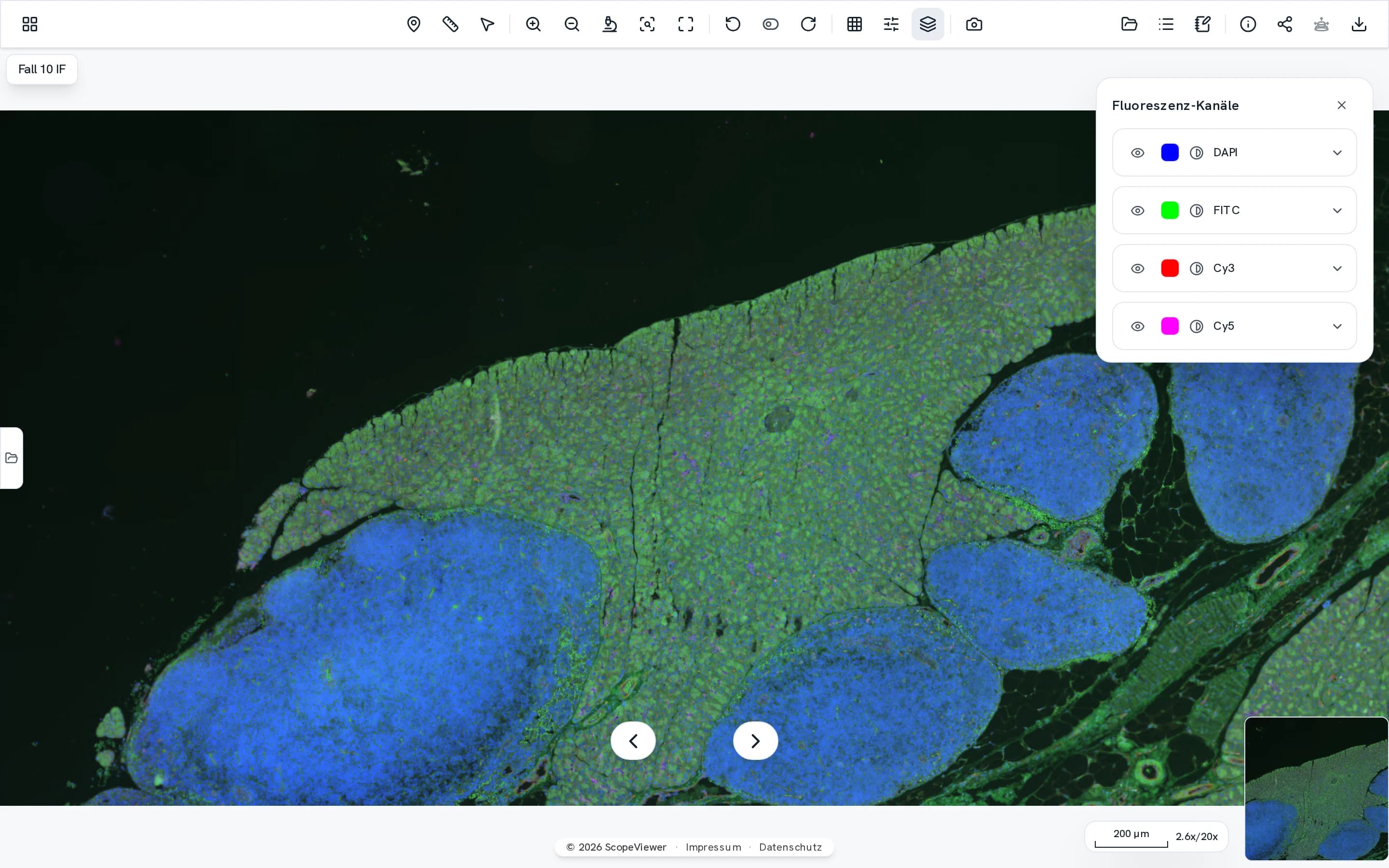
 DAPI
DAPI FITC
FITC Cy3
Cy3 Cy5
Cy5 Fusion
Four channels sit in a single file and are layered only once they reach the browser. Colour, brightness and contrast stay adjustable for each channel on its own.
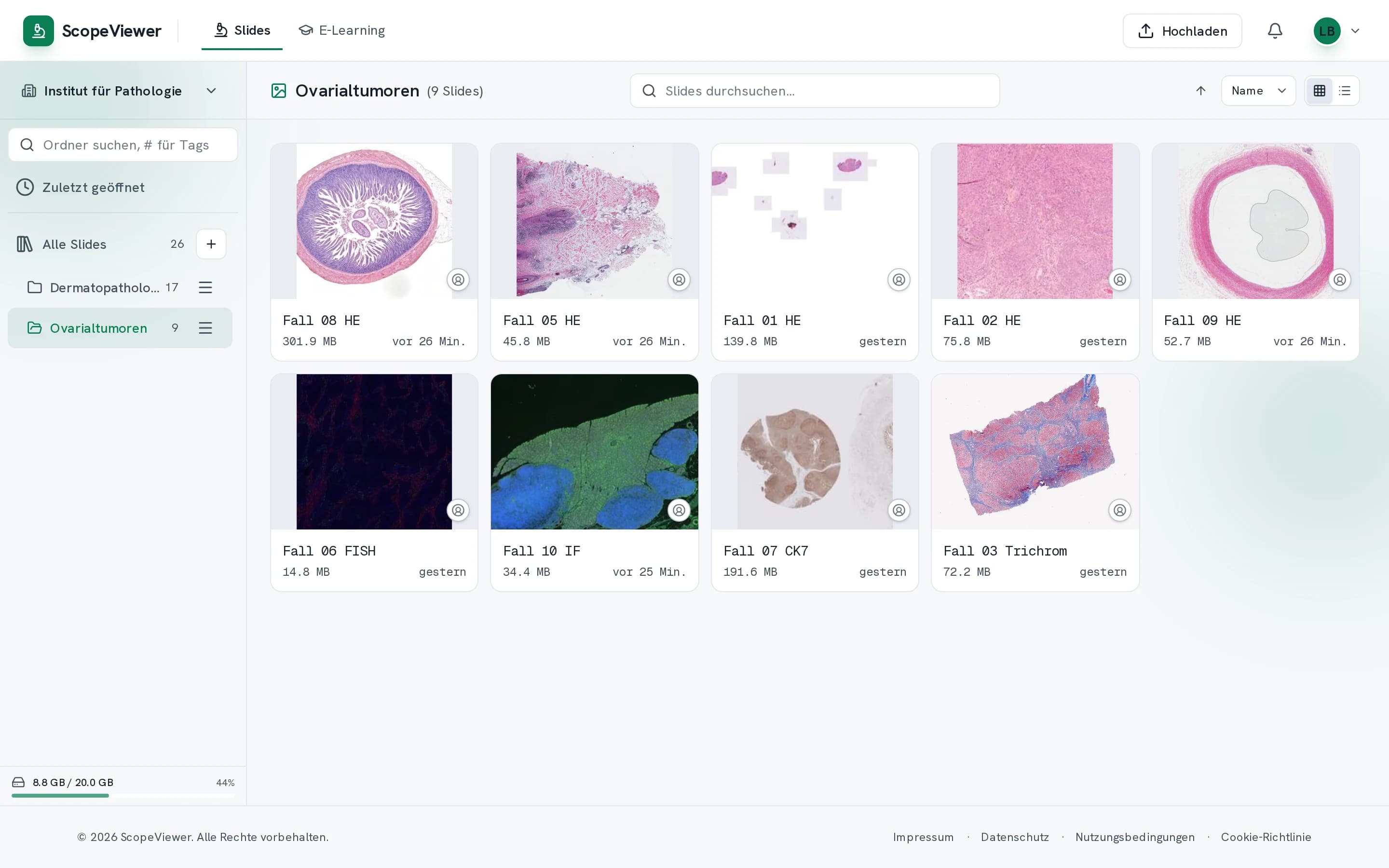
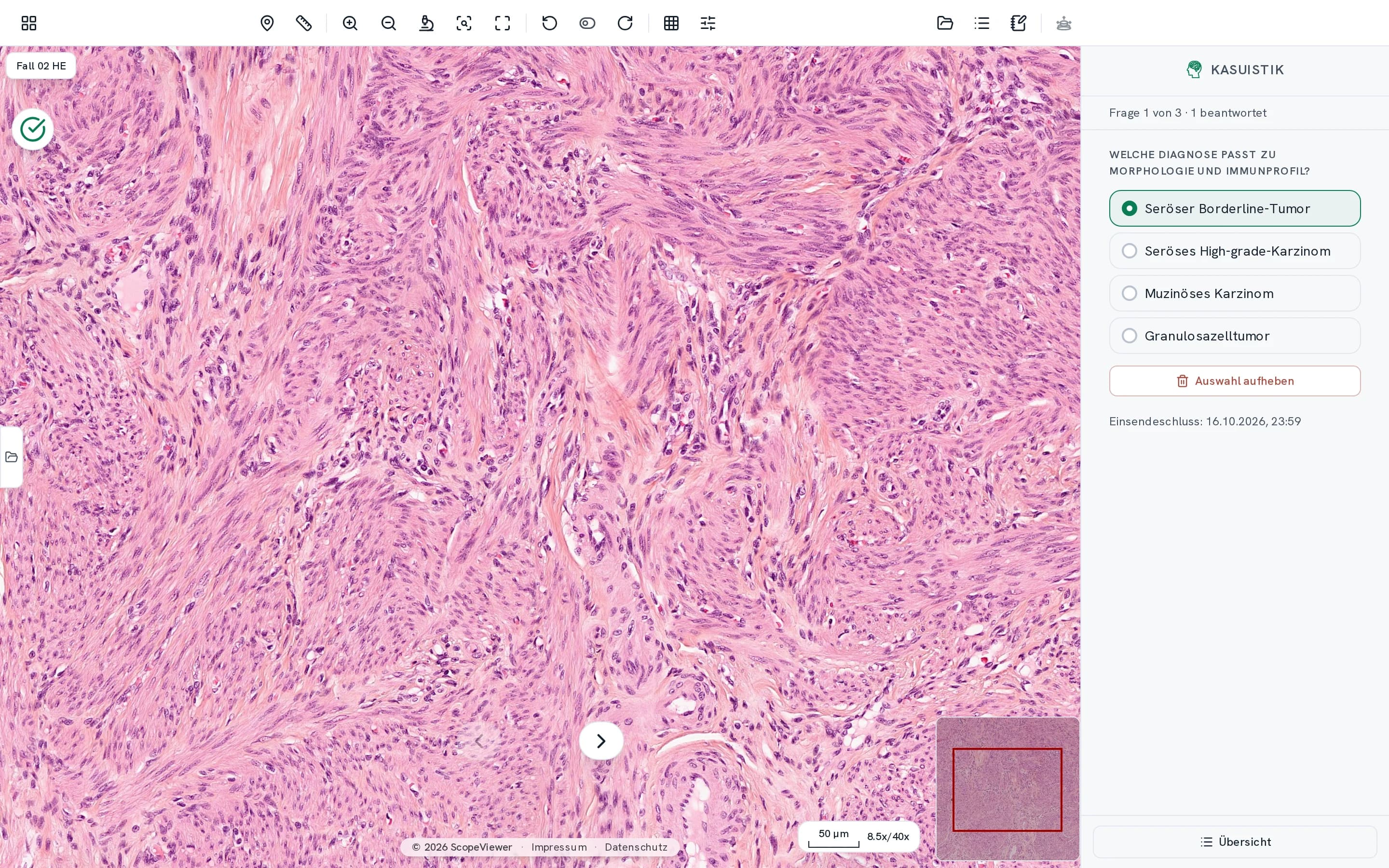
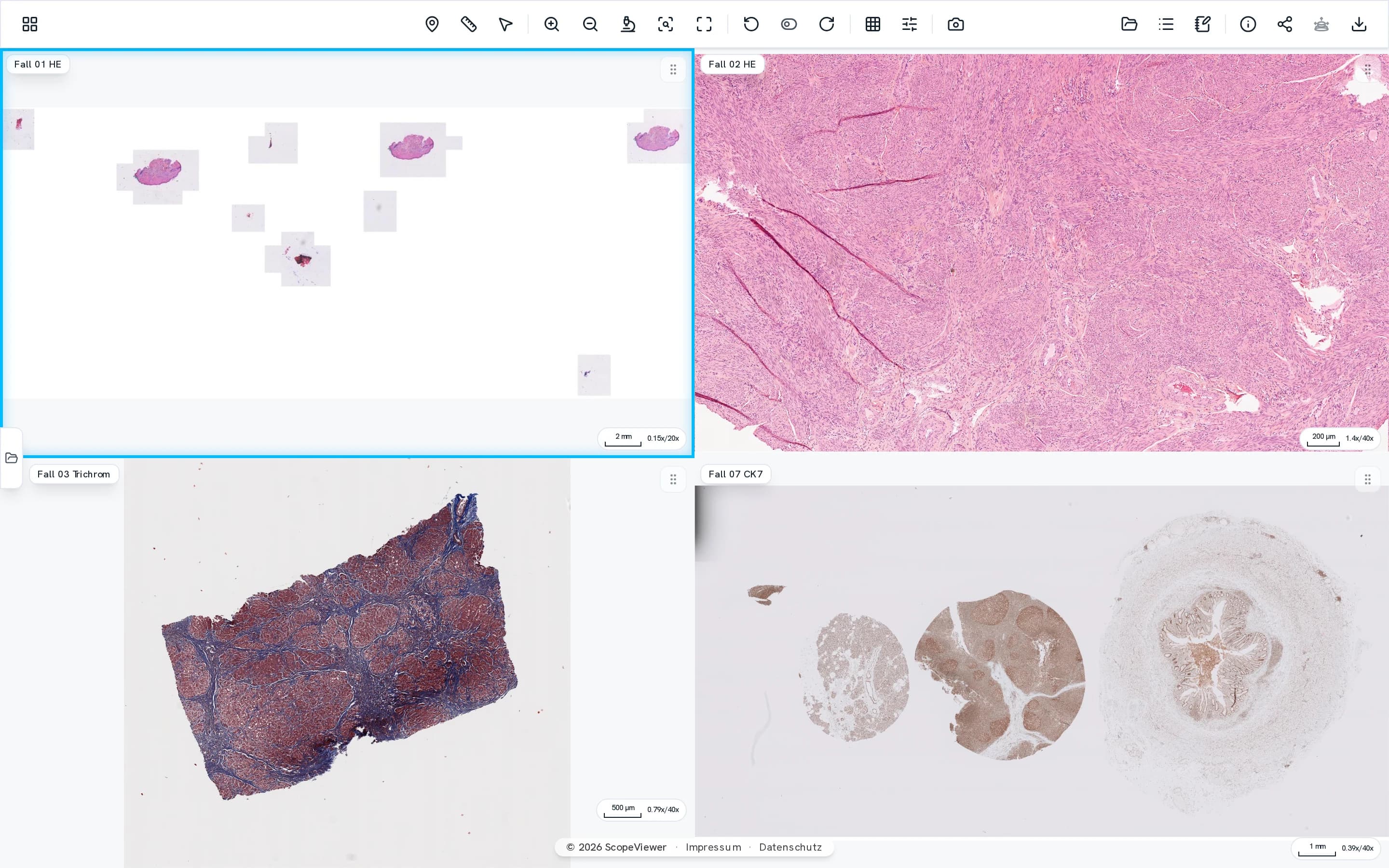
One slide collection for everyone at your institution.
Filing, sharing and discussing a case all happen in the same place.
- You decide per folder who is allowed to open it.
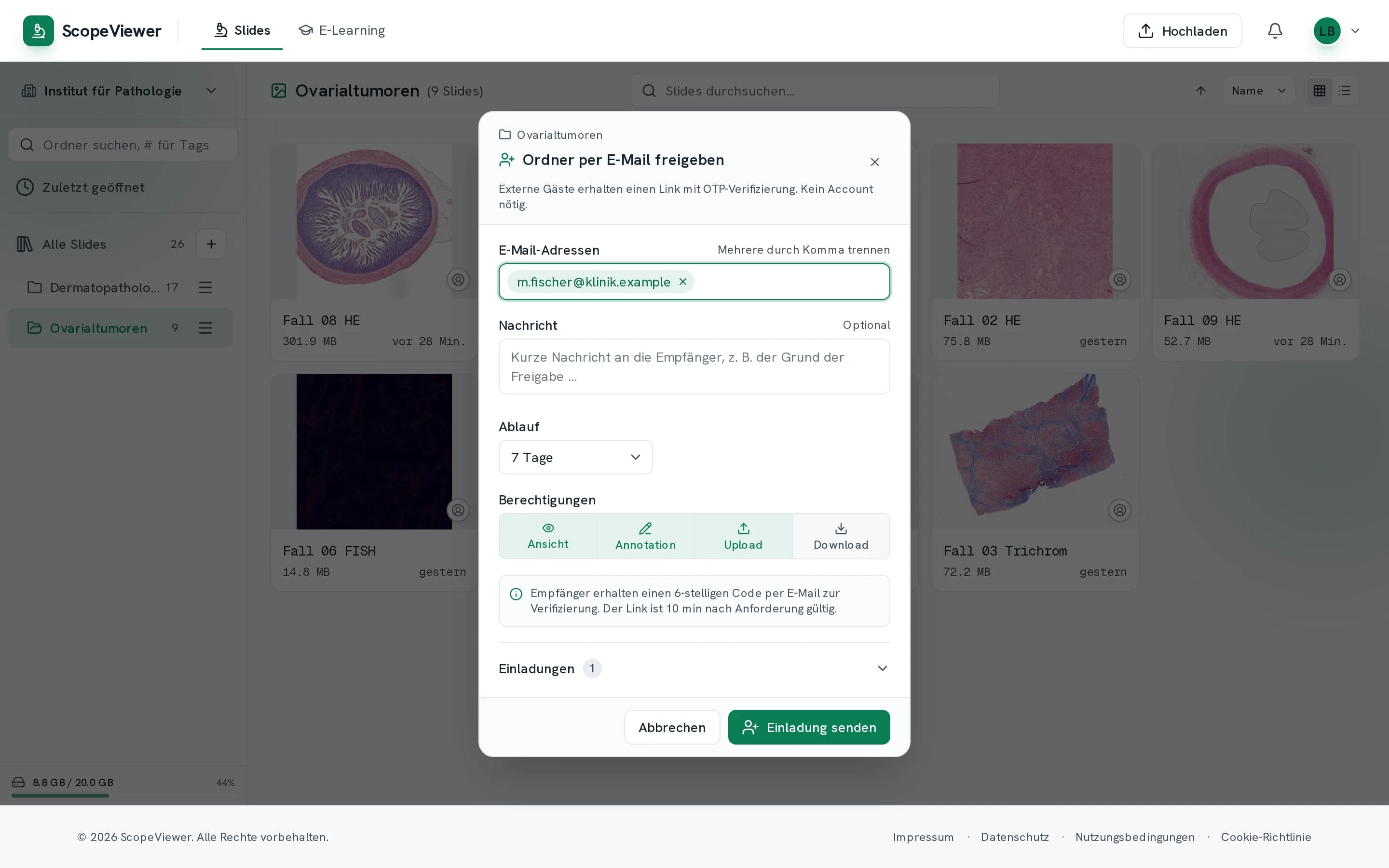
- You share outwards by link. Nobody needs an account for it, and you can withdraw the share at any time.
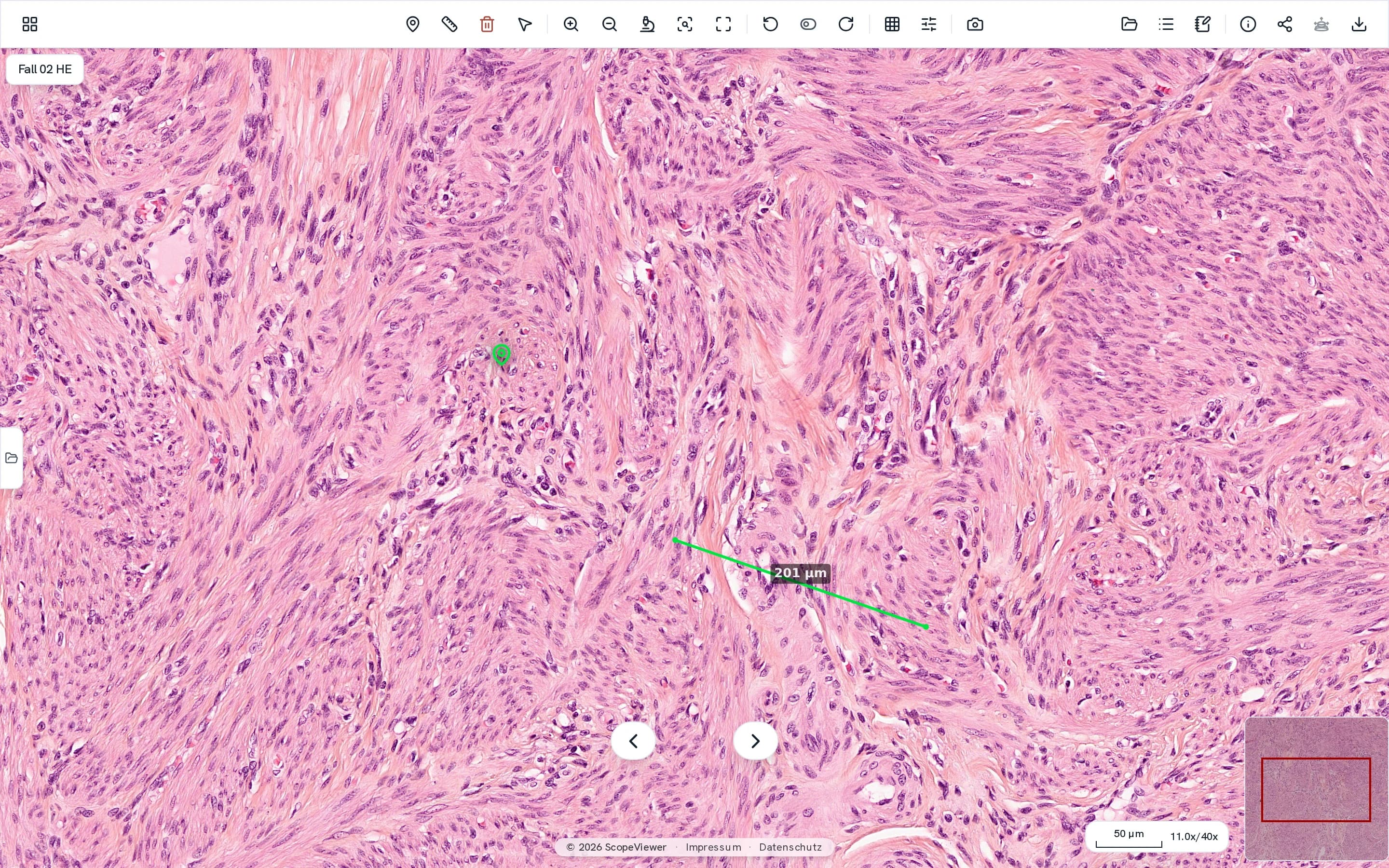
- Markers, measurements and notes are there for everyone else the moment you make them.
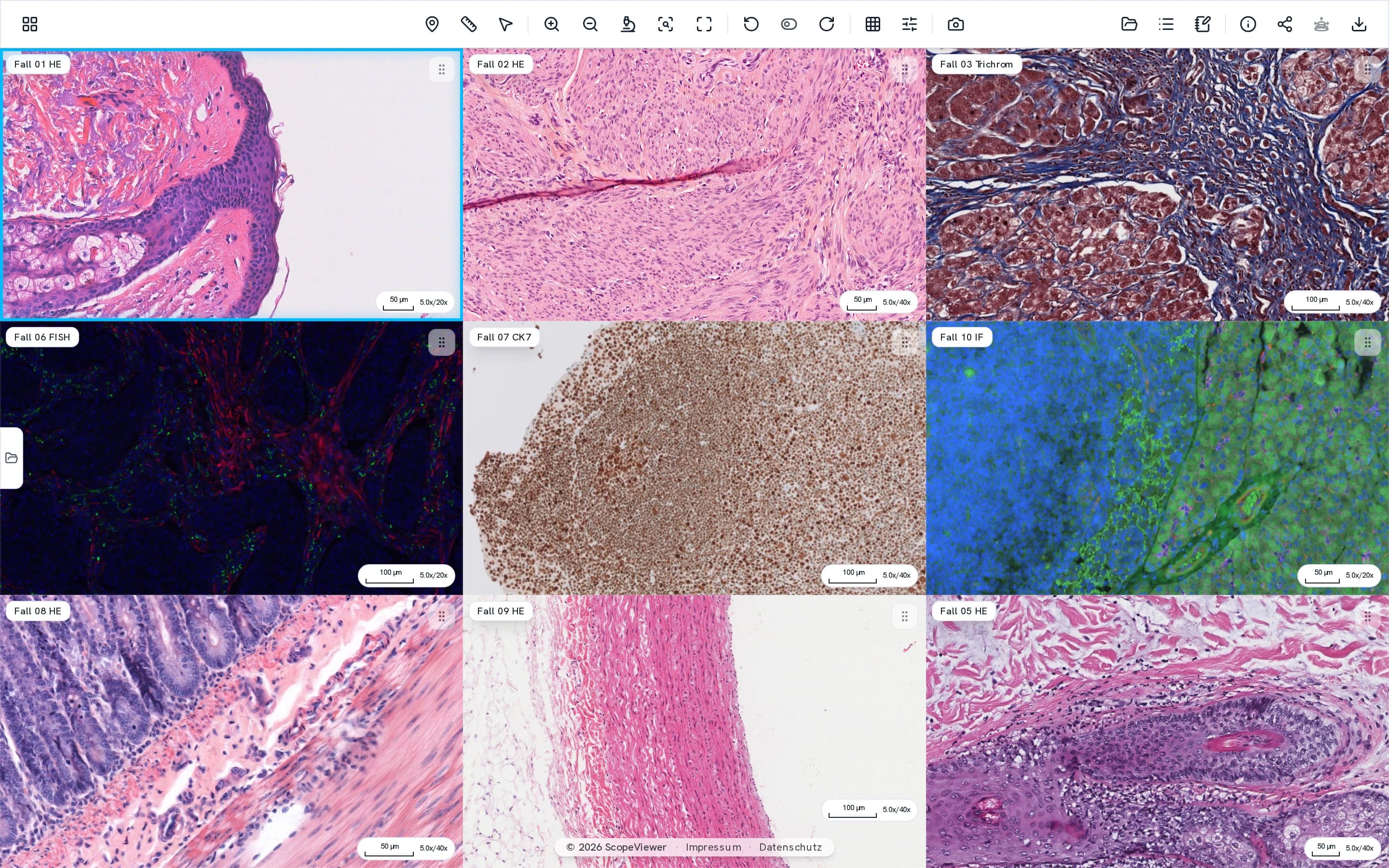
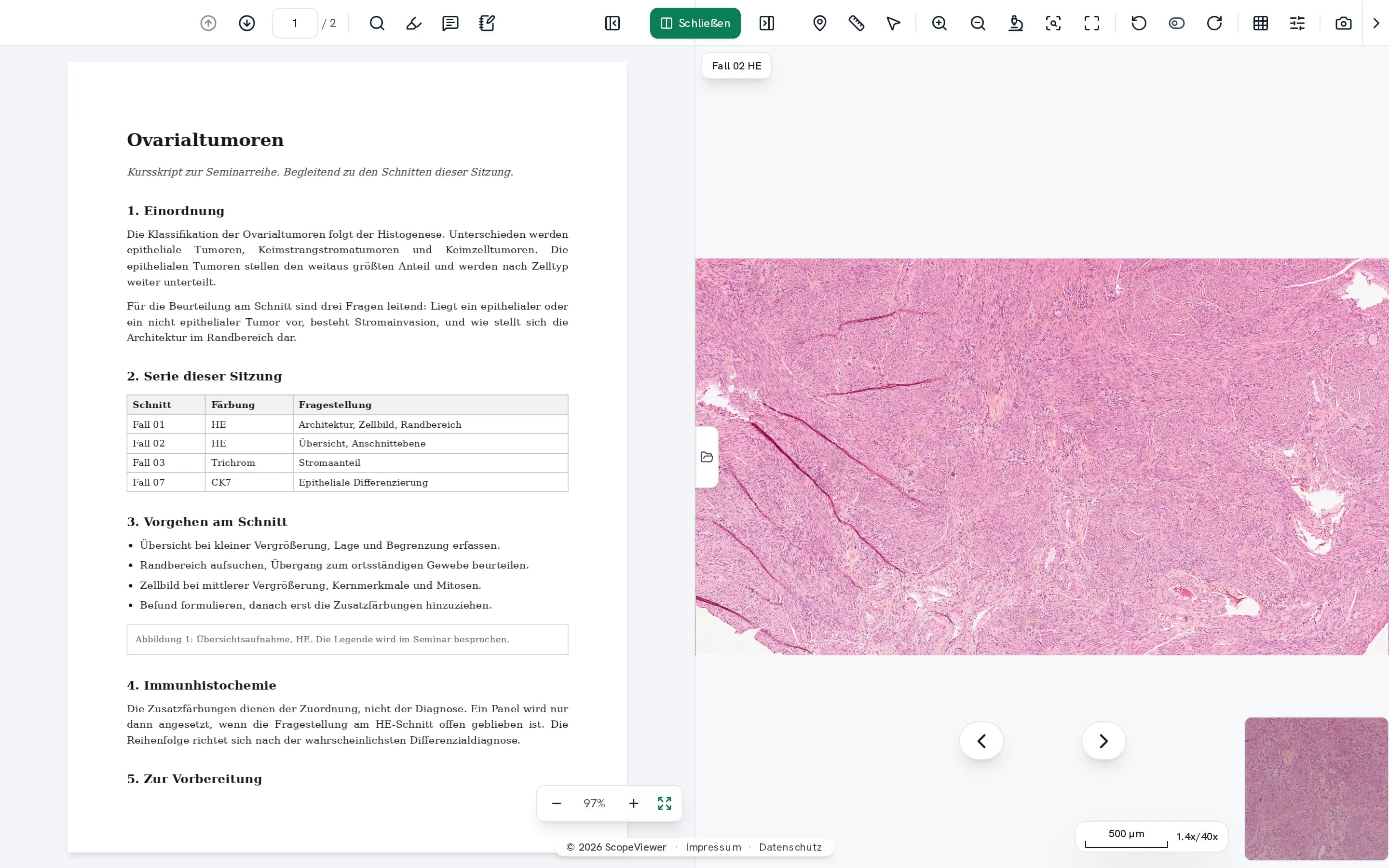
- Up to nine views stay coupled, keeping H&E and immunohistochemistry in register.
Teaching needs no second platform.
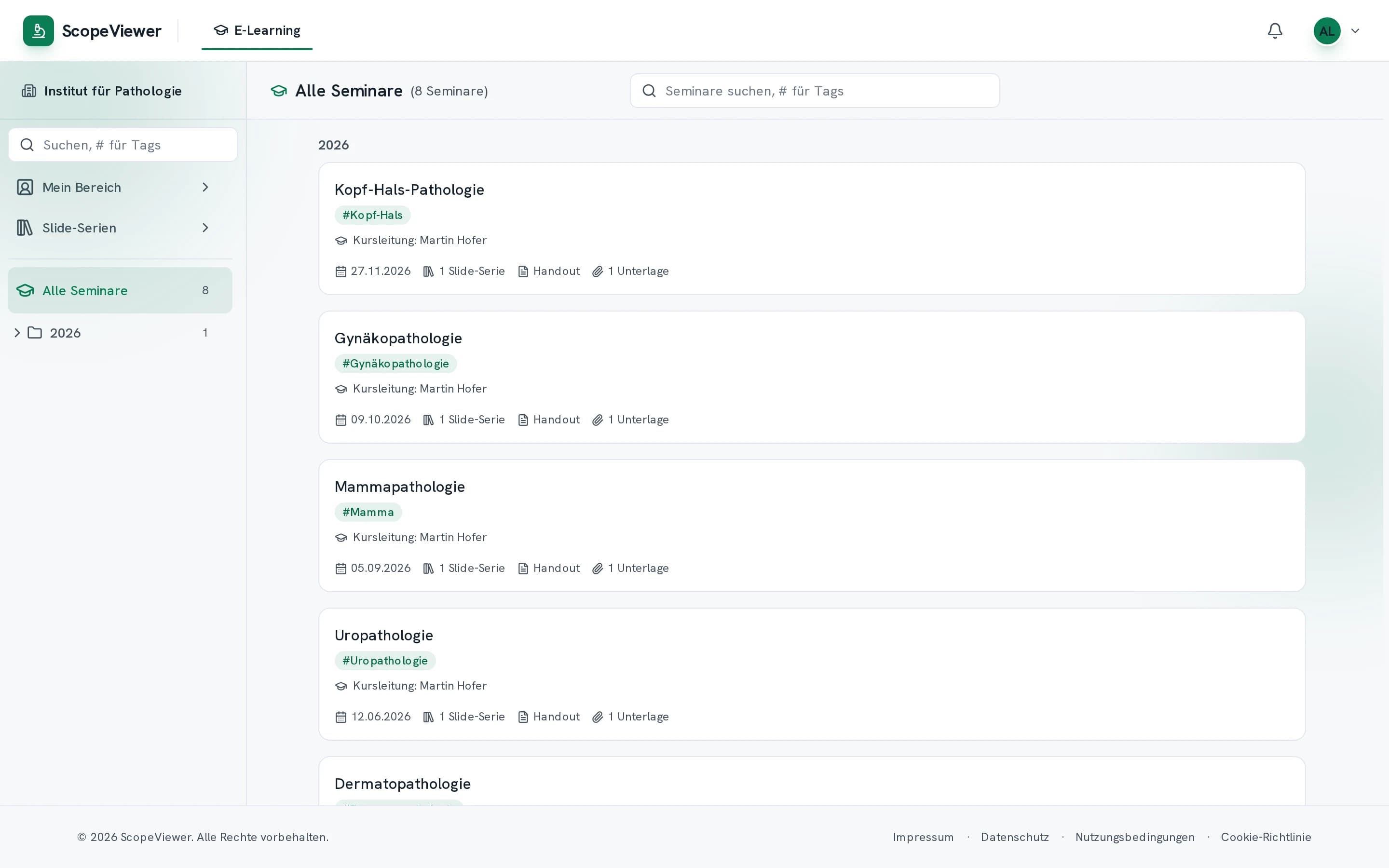
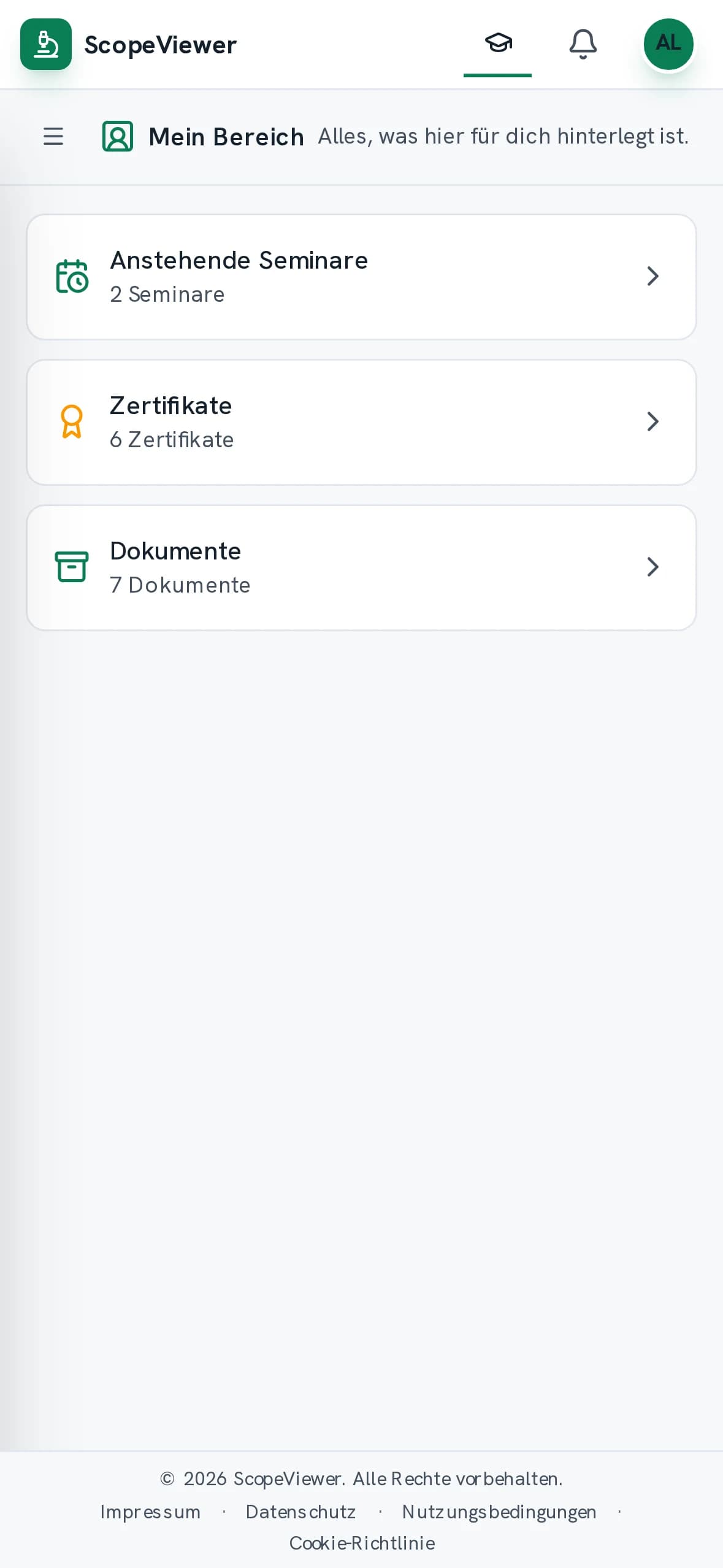
What you put in a folder is what participants see in the course, released on the date you set. Sections, handout, further material and videos sit together in the same course.
Each person gives their own diagnosis for each case, up to the deadline shown in the course. Attendance certificates go in as a single collected PDF, each one matched to its recipient for you, and they stay available years later.
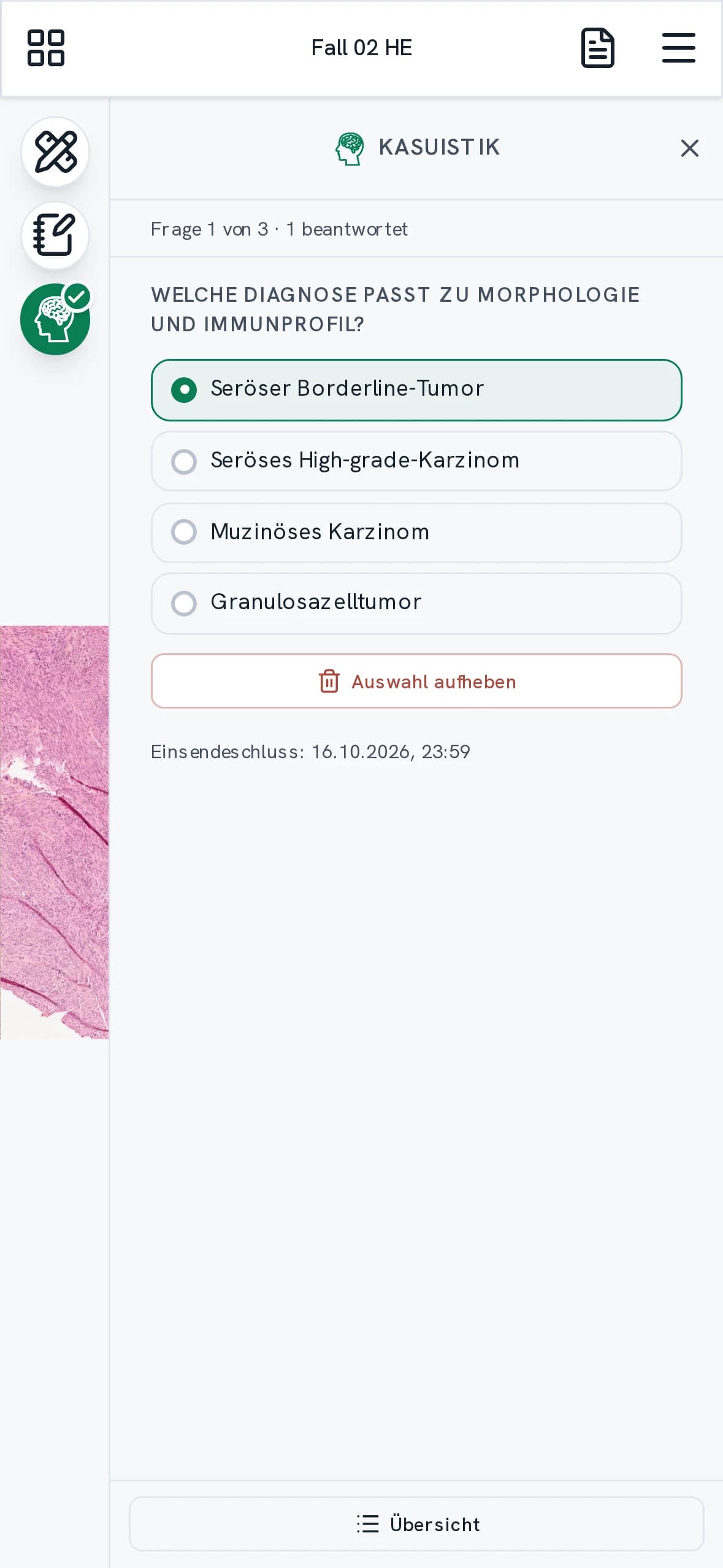
Away from the desk, you carry on.
Whatever catches your eye, you can mark on the phone there and then. The section is there at full resolution.
Your training carries on here too, right through to a submitted diagnosis. When a course is assigned or a document filed for you, a push notification reaches your phone and your computer, once you allow it.
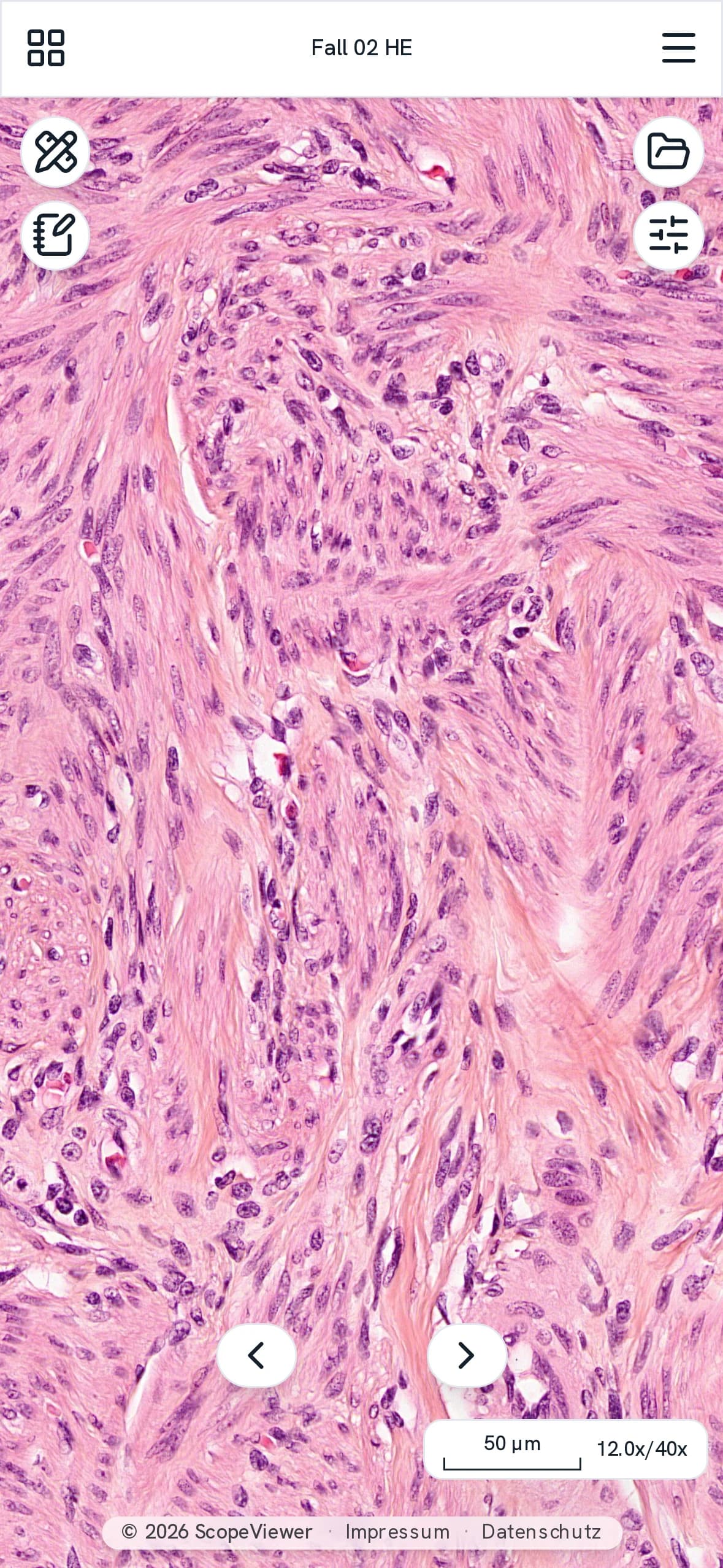
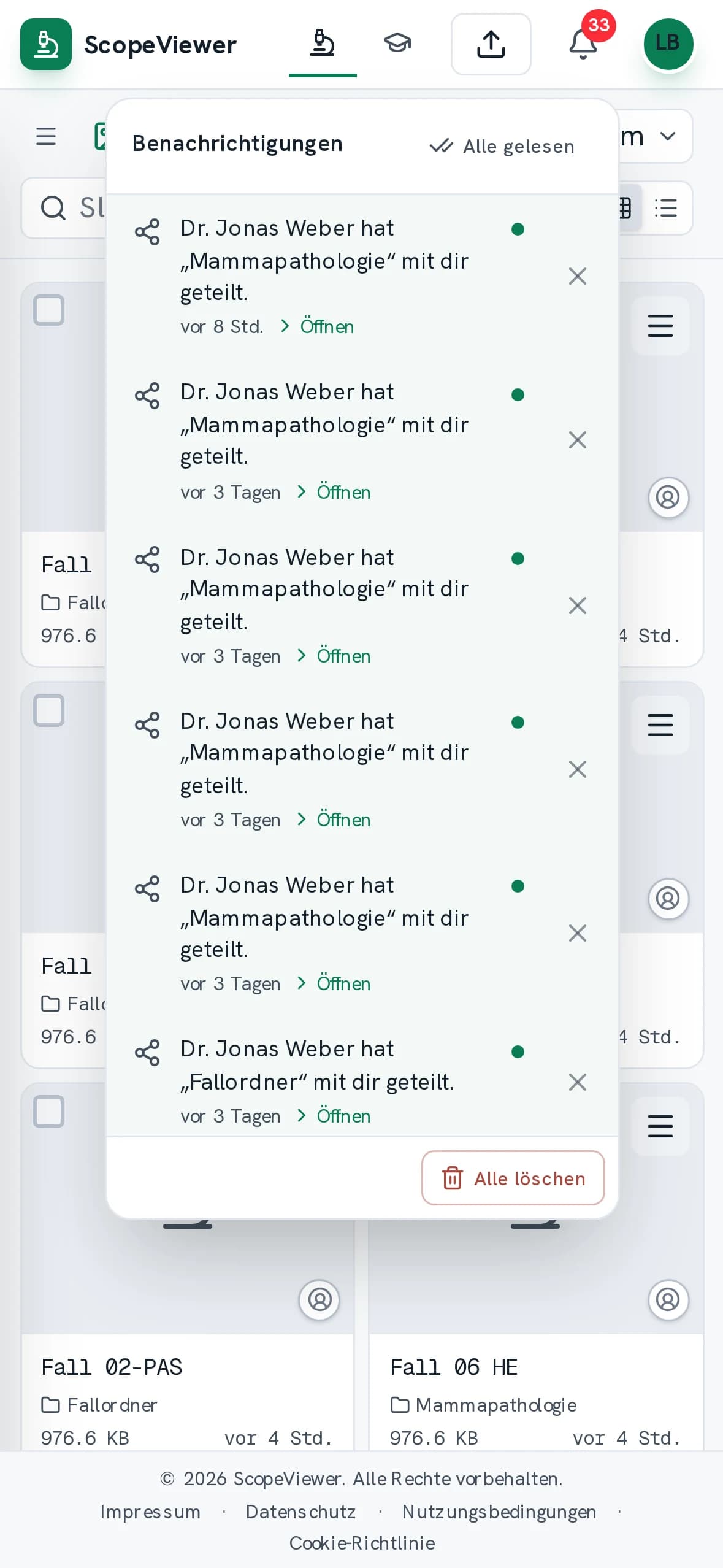
Nine things that come up before the decision.
- The archive stays findable
- Folders carry keywords such as organ, stain or study, from one list that applies across the institution. Rename one and every folder follows, and someone who did not file the case can still find it again.
- One section in several places
- The same section sits in a course and in the organ archive at once, without being uploaded a second time. Storage carries it only once, and removing it in one place leaves it untouched in all the other places.
- Documents meant for one person
- You file statements, records and notices, and what concerns one person alone goes to them at once, without a single email. None of it needs a course, and a whole stack is handed out in a single run.
- Sharing that runs both ways
- Colleagues outside your institution put their own sections into the shared folder instead of sending them to you. They can only remove what they brought in, and their sections then take the same route as your own.
- Fluorescence in one place
- Multichannel scans are assessed here, each channel on its own and all of them together. Color, brightness and contrast are set per channel. FISH signals from different focal planes are kept as well.
- Several sites under one account
- Working at two institutions takes a single account. Each site keeps its own roles, its own storage and its own courses, and what sits in one stays invisible in the other. You switch inside the account.
- A whole team at once
- You set up a whole team from a CSV file, up to 500 people at once, with one role for the whole import. The invitations go out by email. Anyone who signs up later on their own waits for your approval to join.
- The handout is worked in
- However long the handout, it is searched as participants type, and they read it beside the section. What someone highlights and notes in it is seen by no one else, not even by the person leading the course.
- The same section only once
- Uploads are compared by the file's checksum, not by its name. If the section already exists in your institution, you see its name and its folder and jump straight there instead of storing it a second time.
What your IT department wants to know before it signs off.
- Servers and data stay in the EU, processed under the GDPR.
- You sign in with a passkey, a fingerprint or a face instead of a password. Admin accounts always need a second factor, and you can require it of everyone.
- One session stays active per account, so a shared password shows up at once. Unattended workstations sign out after five minutes to eight hours.
- Remove an account and access ends at once, not at the next sign-in. What they created stays with your institution.
- An invitation opens only against a code from the mailbox it went to. Passed on it is worthless, and it expires after thirty days.
- Sign-ins and changes sit in a trail of your own, including every visit from our team. Entries are only ever added, and nobody can delete them.
Request access
ScopeViewer is provided by invitation. Send us a short message and we will set up access for your institution.